
See your world differently
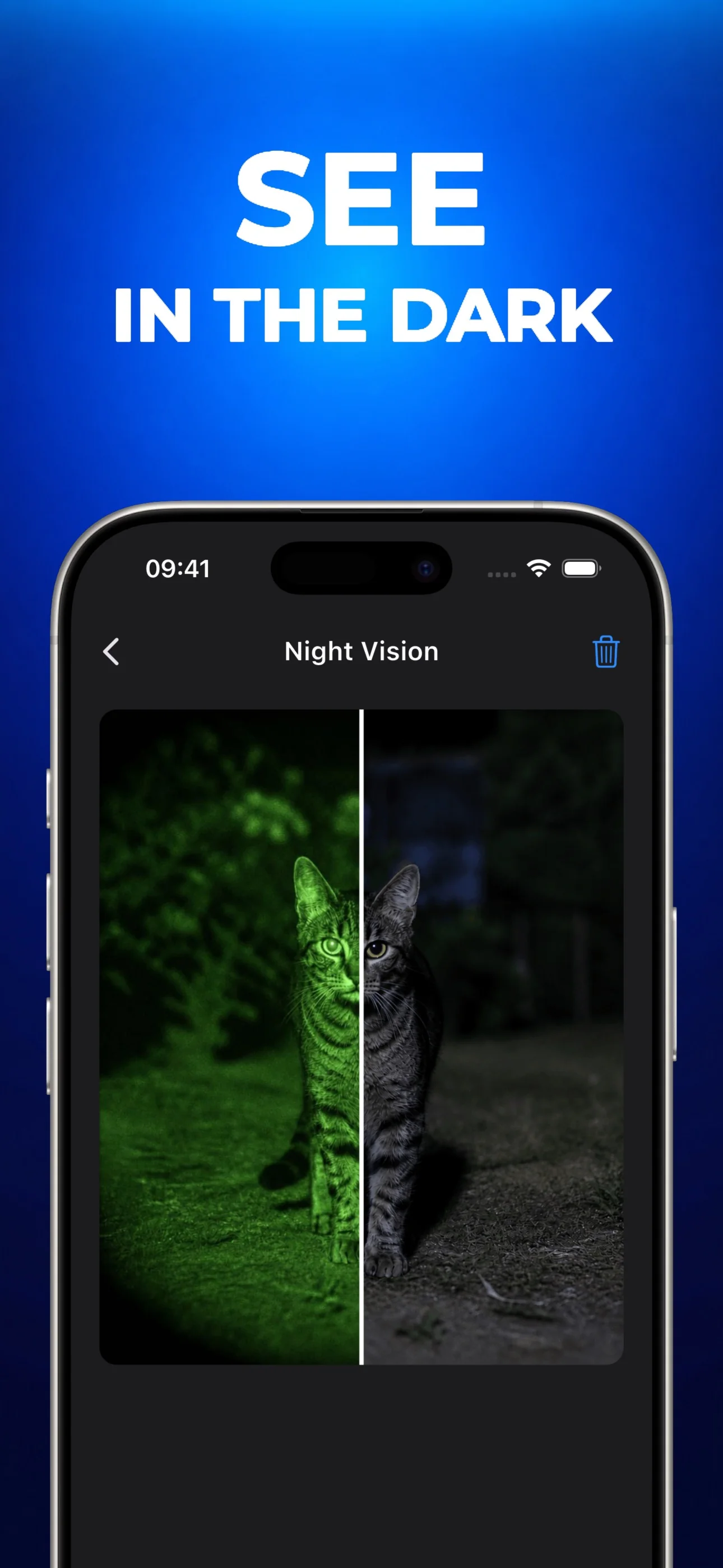
Turn your photos into X-Ray, Thermal, and Night Vision. Pick a style and have fun.

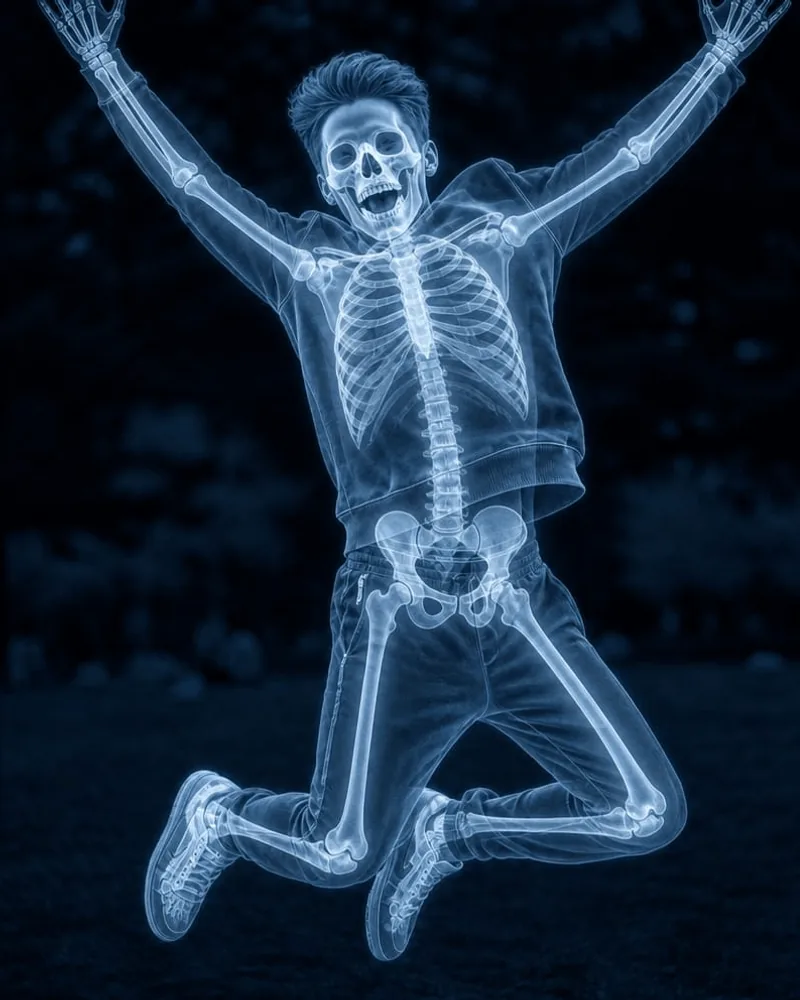


How it works
Create an AI photo effect in three simple steps.
- Step 01
Pick your effect
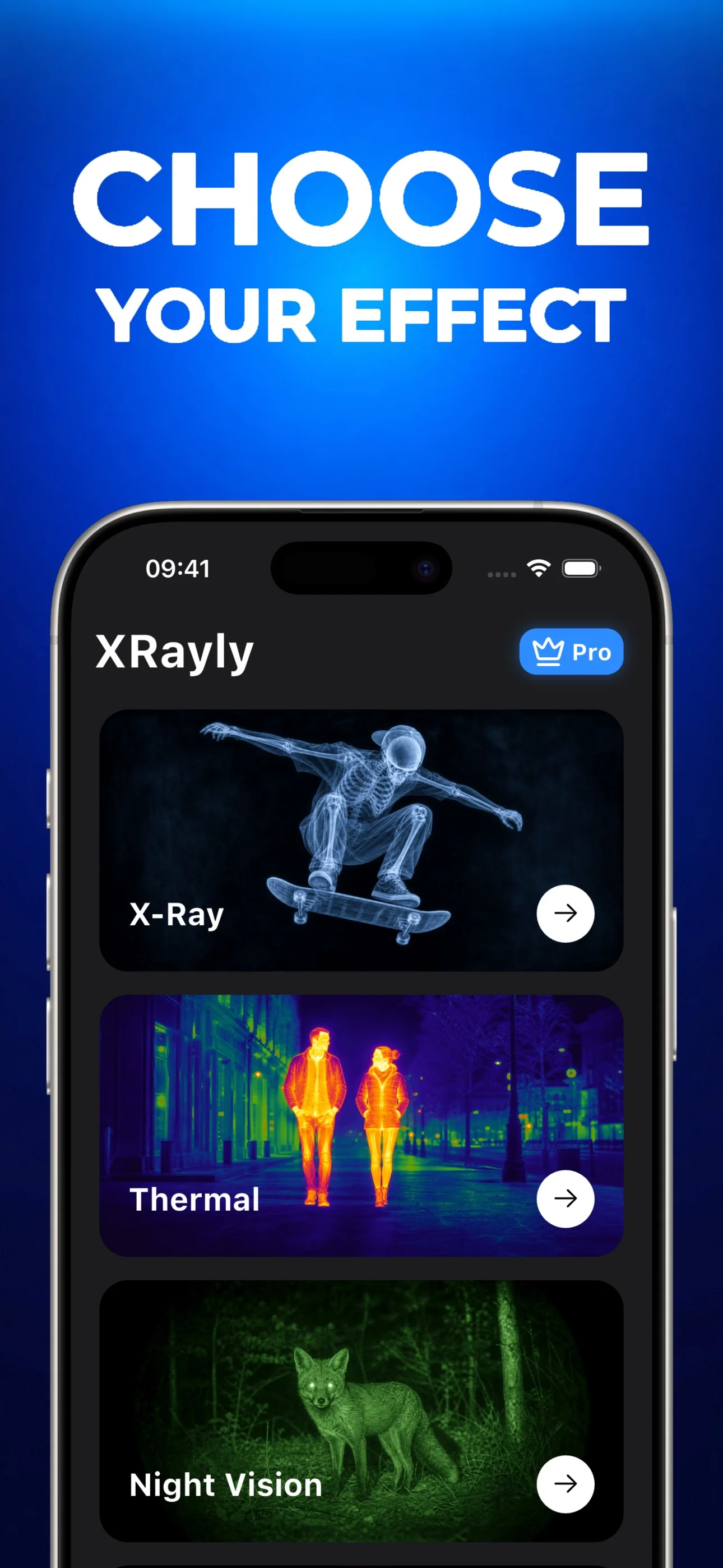
Choose X-Ray, Thermal, Night Vision, Neon, or Ghost Vision for your photo.
- Step 02
Add your photo
Take a photo or choose one from your gallery. Crop your shot and let AI create the effect.
- Step 03
Save and share
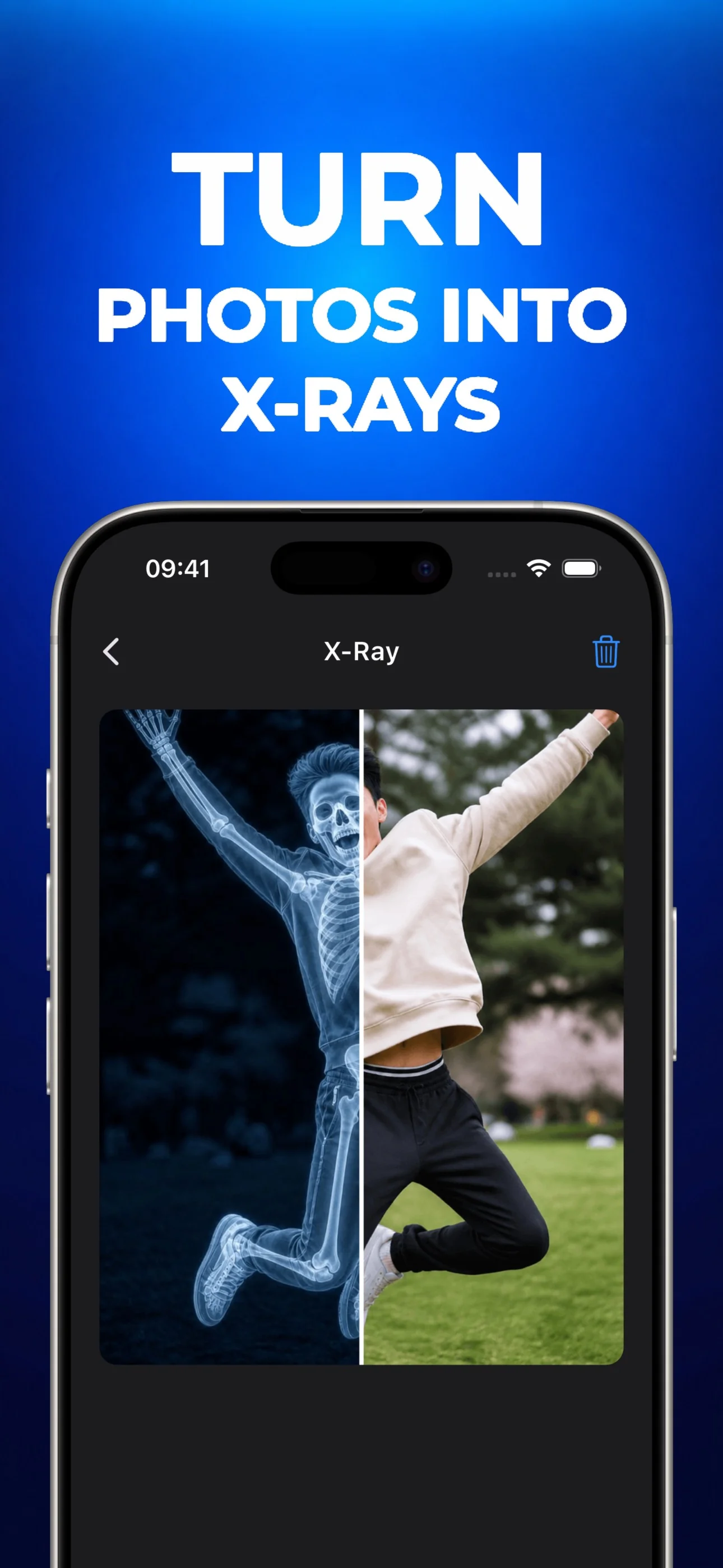
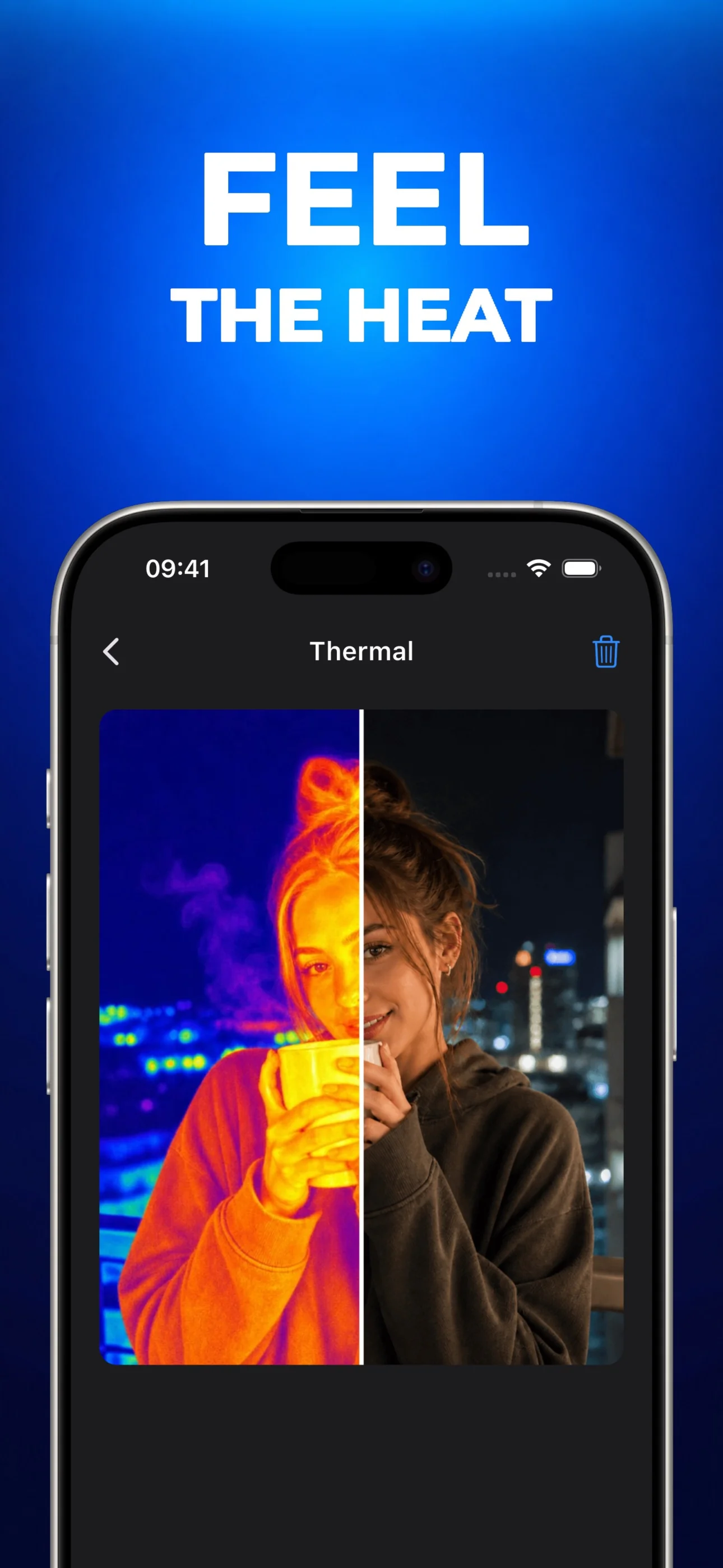
Compare the result with your original, try another style, and save or share your favorite look.
Inside the app
What people are saying
“The X-Ray effect looks so cool. Been trying it on everything.”
“Love the Thermal colors. Makes my photos look wild.”
“Night Vision gives my photos a fun spy-movie vibe.”
“Neon is my favorite. Ghost Vision is pretty fun too.”
“Tried it on my dog. The result cracked me up.”
“Cool effects, super easy to use. Just pick a photo and go.”
Guides
Explore photo effects, choose a photo, and see what to expect from XRayly.
Frequently asked questions
- What can I create with XRayly?
- Transform photos with AI-powered X-Ray, Thermal, Night Vision, Neon, and Ghost Vision styles. Choose an effect, add your photo, and create a new look.
- Does XRayly capture real X-rays or measure heat?
- No. These are artistic effects for entertainment. XRayly does not capture real X-ray or thermal imagery, measure temperature, or see through clothing or objects.
- How do AI photo effects work?
- Choose a style, take a photo or select one from your gallery, and crop it. AI creates a transformed image that you can compare with the original, save, or share.
- Do I need a subscription?
- XRayly offers a free tier with limited credits. Premium subscriptions unlock unlimited visual effects and access to every style.
- What happens to my photos?
- Your photo is used only to create your preview, then deleted immediately after processing. It is not stored on our servers.
- Is XRayly available on iOS and Android?
- Yes. Download XRayly from the App Store for iPhone and iPad, or from Google Play for Android.